








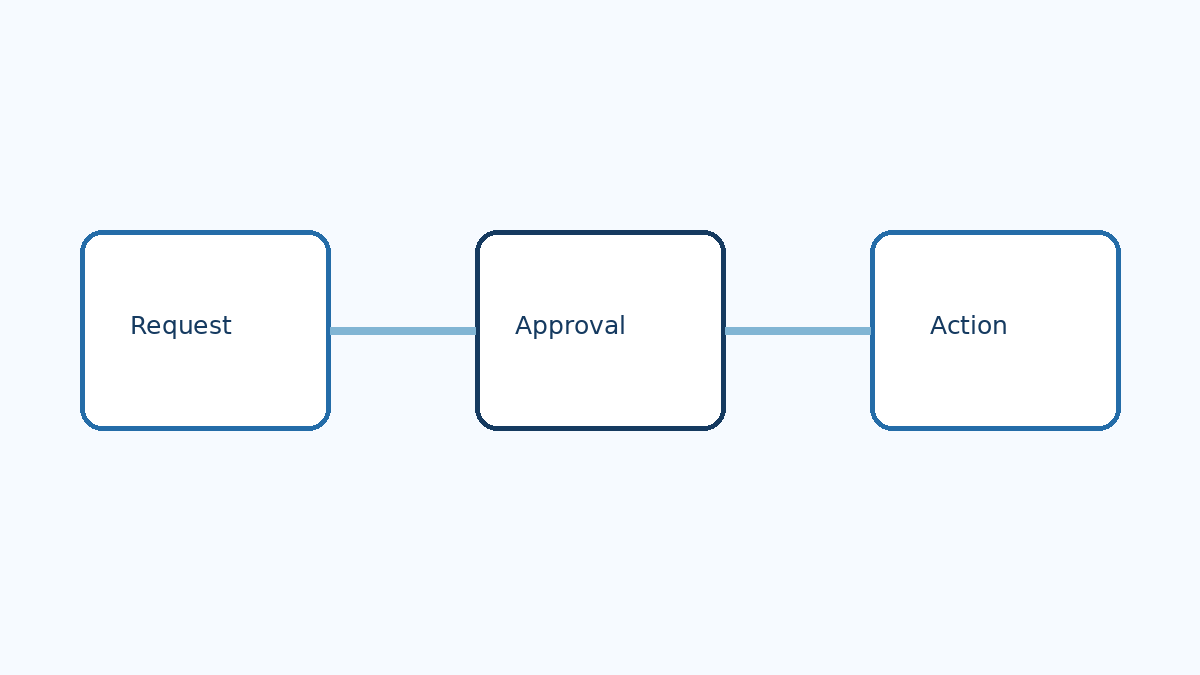
An assistant that drafts a customer reply and an assistant that sends it may appear to do almost the same job. From a business perspective, the difference is significant. One produces a recommendation; the other creates an external commitment.
As web applications add automated assistants that can use tools, search records, and trigger workflows, development teams face a familiar problem in a new form: deciding who has authority to do what. A convincing response is not the same as permission to change an invoice, cancel an order, or notify a customer.
The practical question is not whether every automated action needs a human click. It is how to match the level of oversight to the consequences of a mistake—and how to make that decision visible to the people who own the process.
A hypothetical support assistant
Imagine a PHP-based customer portal for a subscription service. The support team wants an assistant to help with common requests: finding an account, explaining an invoice, preparing a reply, and cancelling a subscription when the customer asks.
The first three tasks appear similar from the interface: the user types a request and receives a response. Yet the underlying actions have different consequences. Looking up the wrong account can expose private information. Drafting an inaccurate explanation can mislead an employee. Cancelling a subscription can interrupt service and affect revenue.
Before connecting the assistant to production systems, the team should describe each action separately. What information does it read? What can it change? Who is affected? Can the action be reversed, and if so, by whom? Those questions help reveal where a single “enable assistant” switch would hide important distinctions.
Separate recommendations from authority
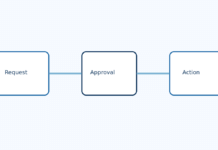
A useful design begins with explicit boundaries. The assistant might retrieve information the signed-in employee is authorized to see, draft an explanation for review, and prepare a cancellation request without completing it. A human could then confirm the account and the intended effective date before the application performs the change.
Other actions may be suitable for automatic execution after testing and approval by the process owner. For example, an organization might allow an assistant to classify incoming support requests while requiring review before it changes a billing record. The categories should reflect the organization’s own risks, not a universal list.
Approval also needs to be meaningful. A screen that asks someone to approve a cancellation without showing the customer, the effective date, and the consequence merely moves responsibility to a person without giving them enough information to exercise it.
Permissions still belong to the application
An instruction such as “only update the current customer” is not a substitute for access control. The application should enforce which records and operations are available to the user and to the assistant’s integration. Where possible, give integrations the narrowest permissions needed for the task and keep sensitive operations behind explicit application checks.
Consider what happens when a request is ambiguous. If two accounts have similar names, the assistant should not silently choose one for an irreversible action. The workflow can pause, ask for clarification, or route the request to a person. Likewise, an assistant should not gain access to a confidential record merely because it appears in a search result.
Record enough to understand the decision
For consequential actions, record the request, the action proposed, the information shown to the reviewer, the approval or rejection, and the result. Connect the record to an identifiable user or service account where appropriate. Avoid treating every generated sentence as a necessary permanent record: logs can themselves contain sensitive information and need retention and access rules.
If the action fails halfway through, the application should make the state clear. Did the subscription remain active? Was the cancellation applied but the notification not sent? The purpose is to make the action understandable when someone needs to review it.
Test the workflow, not just the answer
A pilot should include ordinary requests and difficult cases: incomplete account information, conflicting instructions, repeated requests, unavailable services, and attempts to access a record outside the user’s authority. Test in an environment where mistakes will not affect real customers.
Measure outcomes that matter to the process. Did the assistant prepare accurate drafts? Did reviewers catch errors? Did the extra review step actually save time? A system that generates a response quickly but requires extensive checking may still be useful, but its economics should be evaluated honestly.
A business decision with technical consequences
The support team, the application owner, and the people responsible for privacy and security may each see different risks. The developer’s role is to make those choices concrete: show what the assistant can do, where it stops, what the reviewer sees, and how a failure is handled.
In the hypothetical portal, the first version may only prepare cancellation requests. Later, the organization might authorize automatic handling for a narrowly defined case after reviewing real results. That progression turns automation into a series of deliberate business decisions rather than a single leap from suggestion to unrestricted action.