









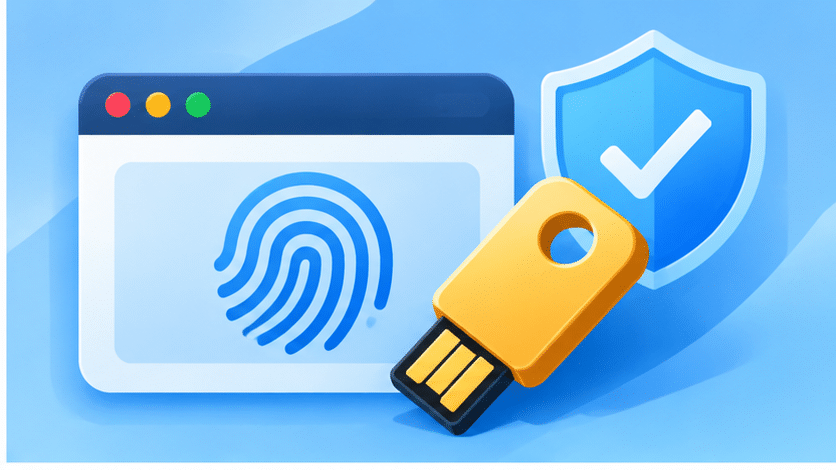
Passkeys offer a convincing answer to several longstanding weaknesses of password-based authentication. They eliminate reusable passwords from the authentication exchange, rely on public-key cryptography, and bind credentials to the websites for which they were created.
For development teams, however, introducing passkeys is not simply a matter of replacing a password field with a fingerprint icon.
The difficult questions begin when users lose devices, change credential managers, forget which account contains their passkey, or need access from an unfamiliar computer.
Passkeys can strengthen authentication considerably. Their success in a production application also depends on how the surrounding account lifecycle is designed.
What Passkeys Actually Change
Traditional password authentication relies on a secret known to the user and verified by the service. Even when passwords are stored securely, users can still be tricked into entering them on fraudulent websites.
Passkeys use a different model. A private key remains with an authenticator, while the service stores the corresponding public key.
During authentication, the service issues a challenge. The authenticator signs the relevant data, and the server verifies the result.
The browser and authenticator also enforce restrictions associated with the relying party identifier. A credential created for one legitimate domain cannot simply be used by an unrelated phishing domain.
This origin-bound design is one of the most important security properties of WebAuthn.
Registration Is Only the Beginning
A production implementation needs more than credential creation and verification endpoints.
It must decide how many credentials a user may register, how credentials are named, how users revoke them, and how authentication works across multiple devices.
Developers should distinguish device-bound credentials from credentials that may be synchronized through a credential manager. Both can use WebAuthn, but they have different operational implications.
For example, an organization relying on device-bound security keys may need a process for enrolling backup authenticators. A consumer application using synchronized passkeys must understand that availability across devices depends partly on the user’s credential provider and account configuration.
The Recovery Paradox
Consider an application that deploys strong passkey authentication but allows users to regain access through a weak email-only recovery process.
An attacker may not need to defeat WebAuthn. Compromising the recovery channel could be enough.
The same problem appears when customer support can remove authenticators after accepting easily obtained personal information.
Recovery is therefore part of the authentication security boundary, not a separate convenience feature.
Possible safeguards include multiple registered passkeys, independent recovery methods, additional verification for high-risk changes, notifications when credentials are added or removed, and carefully controlled support procedures.
No single recovery mechanism is appropriate for every application. A community discussion forum and a financial service have different consequences when an account is taken over.
A Better Way to Design the User Journey
Instead of beginning with the login screen, teams should map the complete credential lifecycle.
- How does a user register the first passkey?
- How can the user add a second authenticator?
- What happens after a device is replaced or lost?
- How are old credentials revoked?
- Which account changes require stronger verification?
- How can legitimate users recover access without creating an easy takeover route?
These questions should be answered before the authentication feature is released. Otherwise, emergency recovery procedures may become the weakest part of the system.
Implementation Details That Cannot Be Skipped
WebAuthn verification must happen on the server. A successful browser interaction alone does not prove that an authentication response is valid.
The server must validate the challenge, expected origin, relying party identifier, cryptographic signature, and other relevant authenticator data.
Challenges must be unpredictable and protected against replay. Credential registration must also be associated with the correct authenticated account or secure account-creation flow.
Applications should use a maintained WebAuthn implementation rather than attempt to recreate the protocol from a short tutorial.
Teams should also test browser and device combinations, accessibility, cancellation behavior, and what happens when a user has no suitable authenticator available.
Should Passwords Disappear Immediately?
Not necessarily. A gradual migration can reduce deployment risk, especially for applications serving users with diverse devices and technical experience.
However, retaining passwords indefinitely creates a strategic tradeoff. If password authentication remains available, attackers may continue targeting it even when most users prefer passkeys.
A mature deployment plan should define whether passwords are a permanent alternative, a transitional mechanism, or a recovery option with additional safeguards.
The important measure of success is not merely the number of registered passkeys. It is whether the complete authentication and recovery system becomes more resistant to account takeover while remaining usable for legitimate users.