










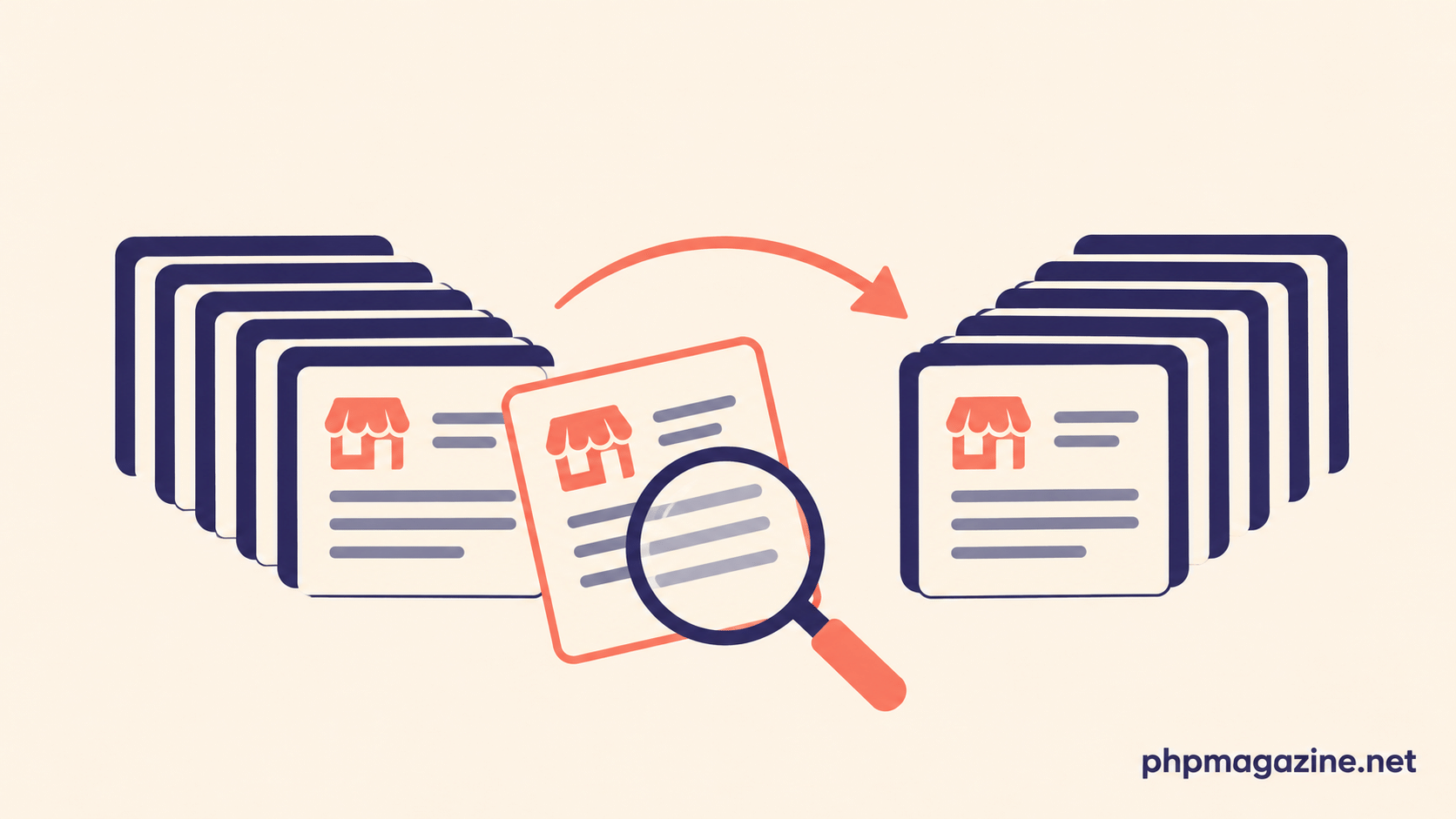
The import completed without an error. The new application contains 12,000 customer records, just as the project plan expected. The launch meeting begins with a reassuring message: the migration worked.
Then the operations team opens an account. Its contact details are correct, but its current service status is missing. Another customer appears twice because two identifiers in the old system referred to the same organization. Neither problem necessarily produces a failed import.
Data migration has a technical finish line and a business finish line. The first establishes that information was transferred. The second asks whether the new application can support the work people need to do with it.
A plausible project, with an uncomfortable result
Consider a hypothetical company replacing an aging customer portal. The team exports customers, subscriptions and outstanding balances, transforms the files and imports them into a new application. Each import job reports success.
The customer count matches, but the total of outstanding balances differs. Investigation reveals that the old system recorded some credits separately, while the new system expects a net balance. The migration code followed its mapping document; the mapping document never explained how credits should be applied.
This is not a reason to abandon automation. It is a reason to decide what must be reconciled before treating the transfer as complete. A successful job is useful evidence, but it answers only part of the question.
Agree on what must match
Before the final migration, the project team and the people responsible for the business data should identify the checks that matter. The right measures depend on the application, but a useful set may include:
- Counts of records by type and business status, such as active and closed accounts.
- Totals that have operational meaning, such as outstanding balances, provided the two systems calculate them on the same basis.
- Relationships between records, including customers and their subscriptions, orders or authorized users.
- Critical fields that must be present and interpretable, such as renewal dates or access permissions.
- Exceptions intentionally excluded, transformed or sent for manual review.
Counts alone can conceal problems. If one record is missing and another is duplicated, the total may still match. Aggregate amounts can also hide errors that cancel each other out. Combine totals with targeted record comparisons and checks of relationships.
Make exceptions visible
Old data is rarely as uniform as a new schema assumes. A date may be missing, two customers may share an email address, or a status may no longer correspond to a current business rule. Silently applying a default can make the import appear cleaner while creating work for users after launch.
Create an exception register with the source identifier, the issue, the proposed treatment, an owner and a resolution status. Avoid copying more personal or financial information into the register than reviewers need. Store it with access appropriate to its contents.
Some exceptions can be corrected in the source and included in the next rehearsal. Others may require a documented decision: exclude an obsolete record, import it with a clearly marked status, or ask the business owner to resolve it manually. The important point is that an exception has an explicit treatment rather than disappearing into a log nobody reads.
Rehearse the changeover, not just the import
A test import made weeks before launch is valuable, but it does not automatically answer what will happen to changes made after the export. The team needs a plan for the period between the initial data capture and the moment the new system becomes authoritative.
Depending on the application, the organization may pause writes to the old system, perform a final incremental transfer, or use another controlled approach. Each option has consequences for downtime, staff procedures and the risk of missed or duplicated changes. Rehearse the chosen process with realistic volumes and record how long its stages actually take.
Include a decision point before users begin creating business-critical records in the new system. Define who can authorize the switch, what evidence they need, and what conditions would delay it. Also establish a recovery plan. Once both systems have accepted different changes, returning to the old application may require reconciling those changes; it is not necessarily a matter of switching a server back on.
Put business owners in the review
Developers can compare identifiers, totals and field values. Staff who use the data can identify whether an account looks plausible, whether an unusual status has been preserved correctly, and whether an important workflow still makes sense. Both perspectives are necessary.
Select examples deliberately: normal records, older records, unusually large or small amounts, incomplete records and known edge cases. A random sample can add coverage, but it should not replace examples chosen because the team understands their significance.
Document the results in terms a decision-maker can use: what was checked, which differences remain, their impact, who accepted them and what follow-up is required. A project can sometimes launch with known exceptions. It should do so with those exceptions understood and owned.
The migration is ready when the organization has enough evidence that the data supports its work—not merely when the progress bar reaches the end.